Everything you need to sell hosting & domains under your brand: customers, orders, wallet funding, profits, payouts, reports, statements, tickets and activity logs.
It’s simple: connect a domain, set your brand, fund wallet, and start selling. No complicated setup, no “developer-only” workflow.
Use a domain/subdomain you own (e.g. portal.yourbrand.com). We’ll provide the exact DNS records. Once verified, your portal works like a full hosting website under your brand.
Set your business name, logo and support contact so your clients see your brand (not NairaHost).
Create customers, place orders, fund wallet for instant payments, track profits, request payouts, and download statements for your records.
You earn commission whenever a customer purchases through your reseller account. The commission rate displayed on this page is the default rate, and it can be adjusted by NairaHost at any time. Your dashboard shows profits clearly so you can track performance without guesswork.
Each completed sale generates profit entries you can track. No spreadsheets. No manual calculations. Everything is logged and reportable.
Hosting renews. Domains renew. If you build a customer base, your monthly earnings can grow steadily over time.
Monthly statements and exports help you track wallet movement, profit summary and payout history for accounting and business reporting.
You sell “Website + Hosting” to a client. You place the hosting order from your dashboard and the client logs into your portal. Your profit is recorded automatically.
You manage 25 clients. You handle renewals, tickets and upgrades under your brand while earning commission on the services.
You run a promo campaign. Customers buy from your portal link. You track which offers perform and download statements at month-end.
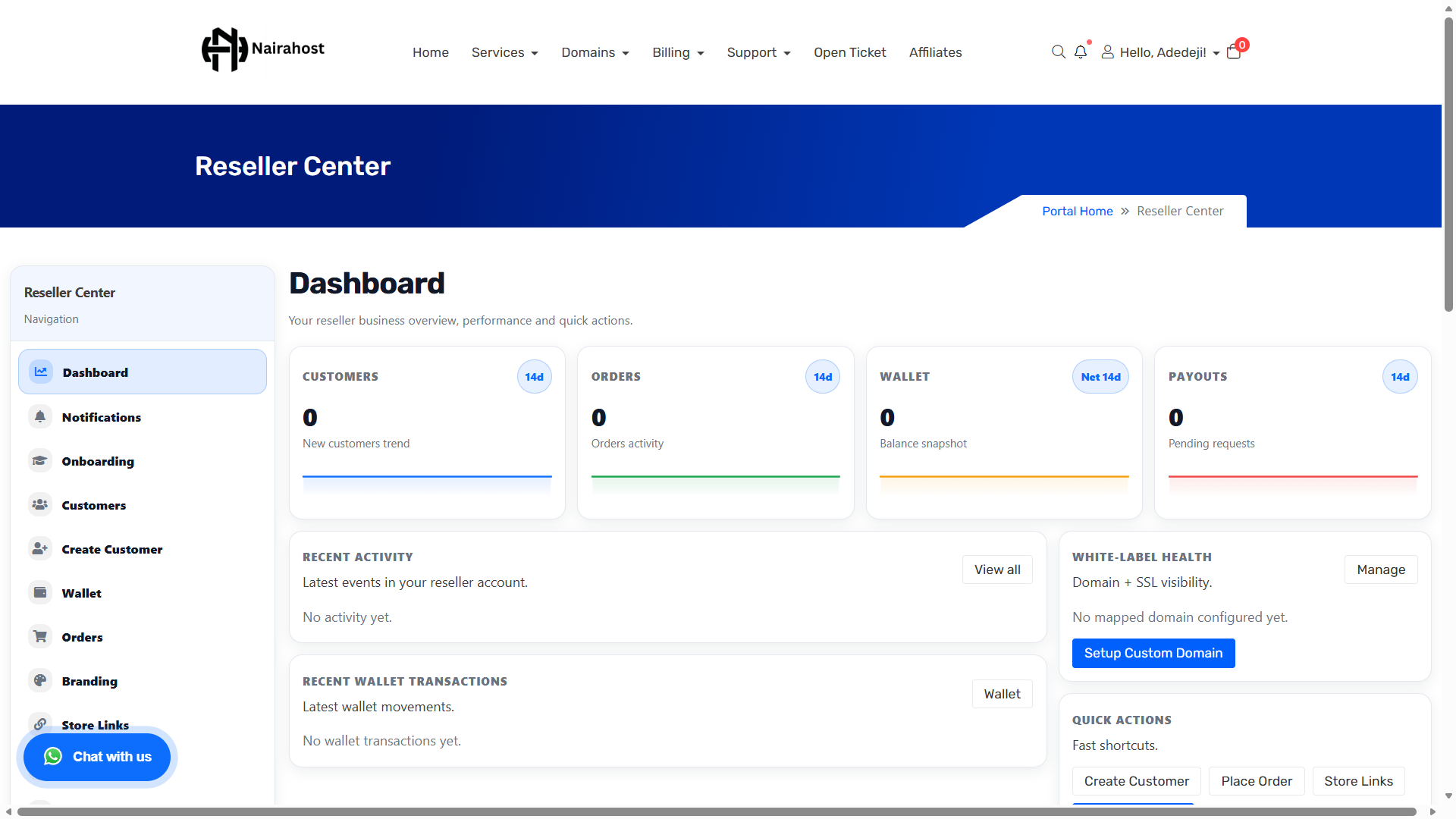
Below are real screenshots from the Reseller Center. Upload your screenshots into
/assets/img/product-reseller/ using the exact filenames shown on each card.
dashboard.png
branding.png
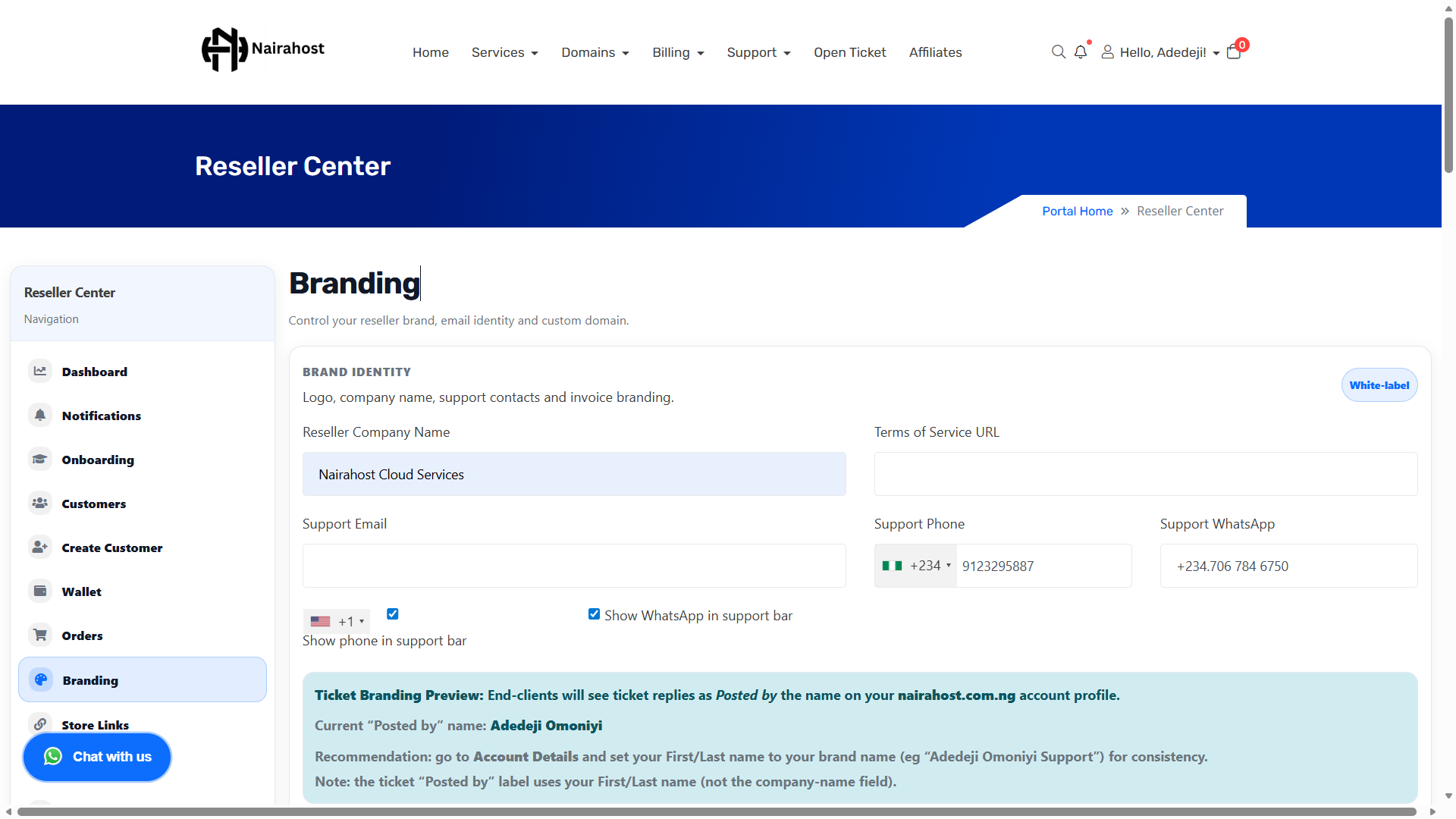
wallet.png
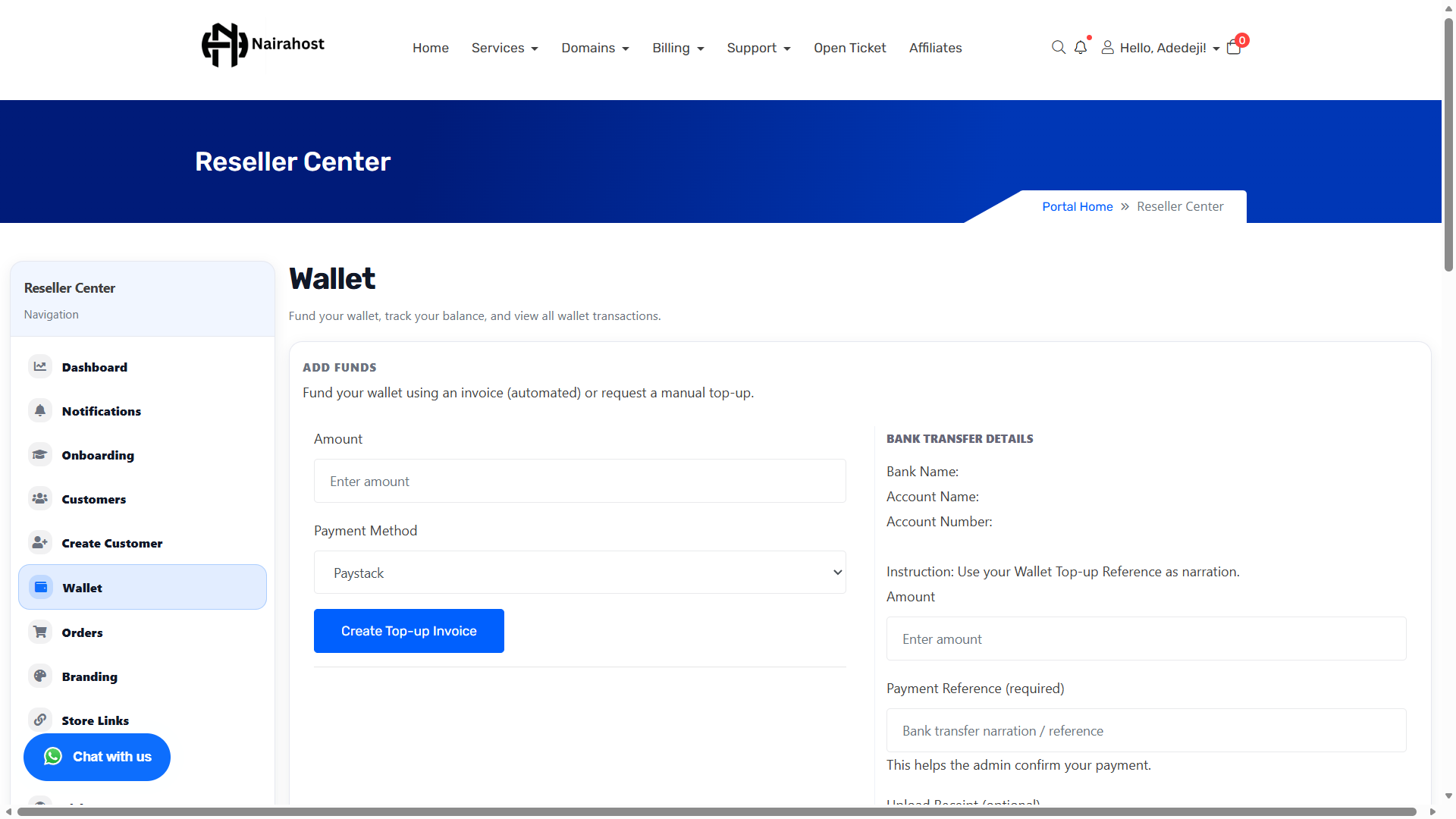
customers.png
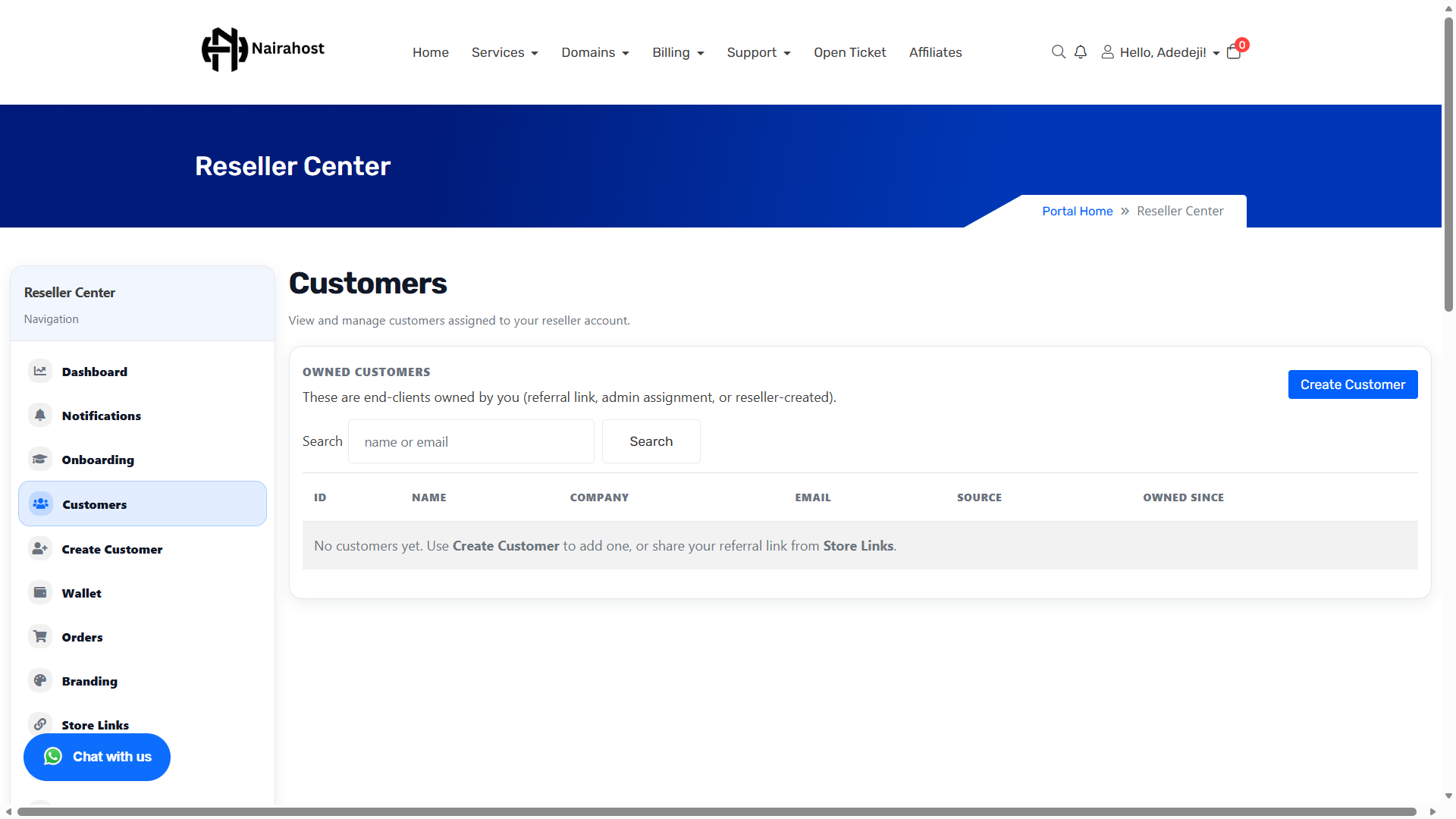
orders.png
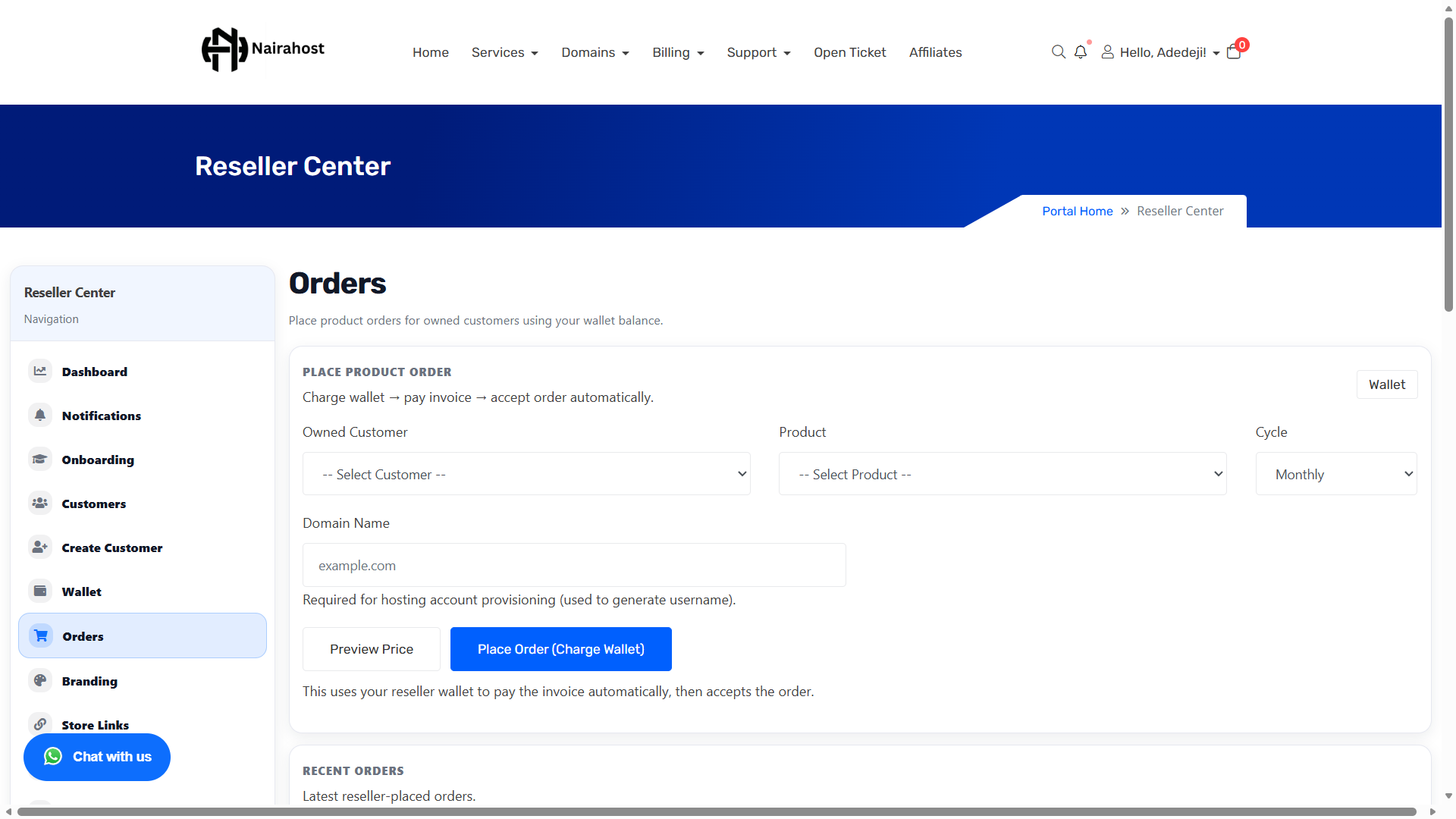
promos.png
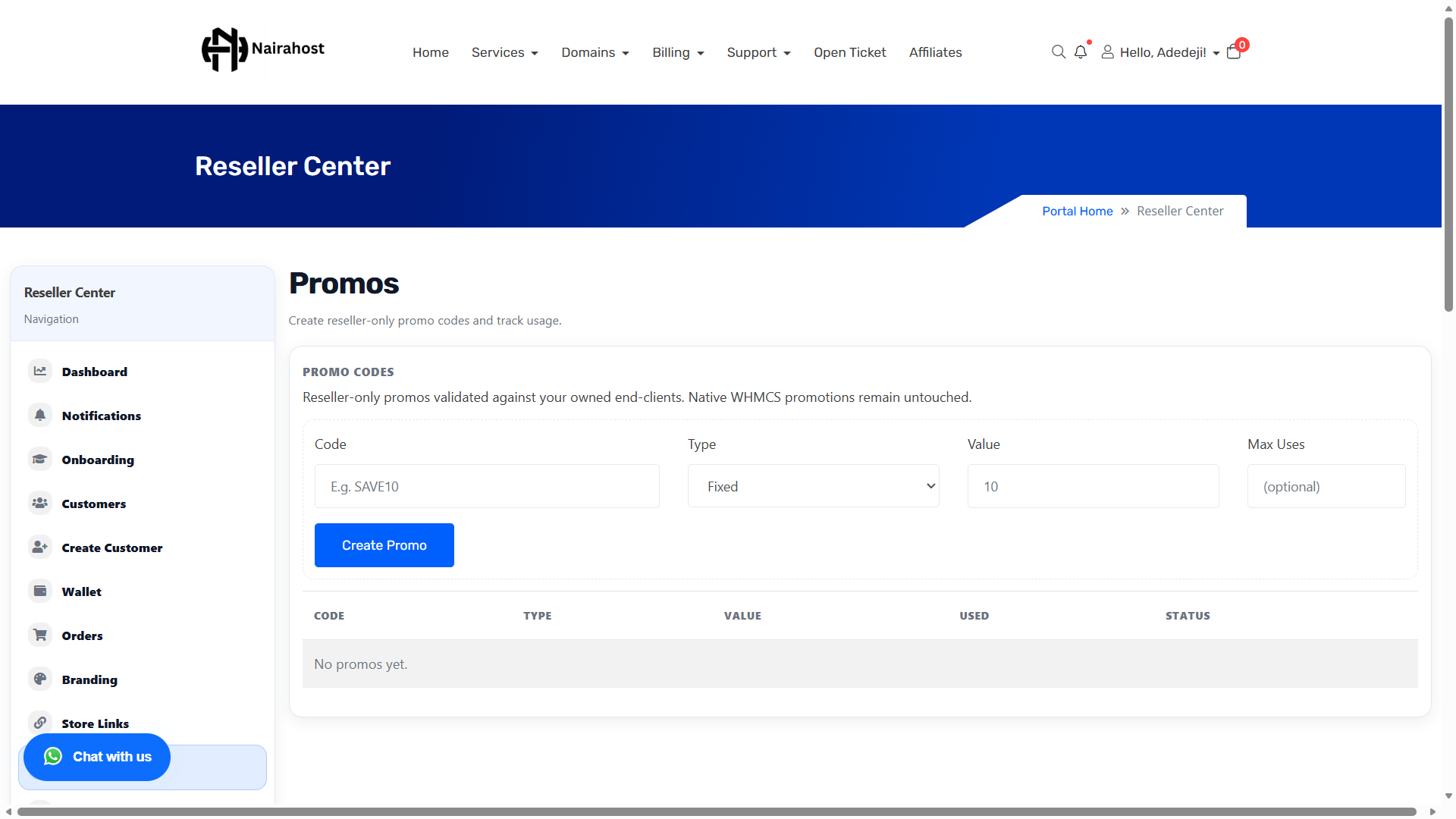
tickets.png
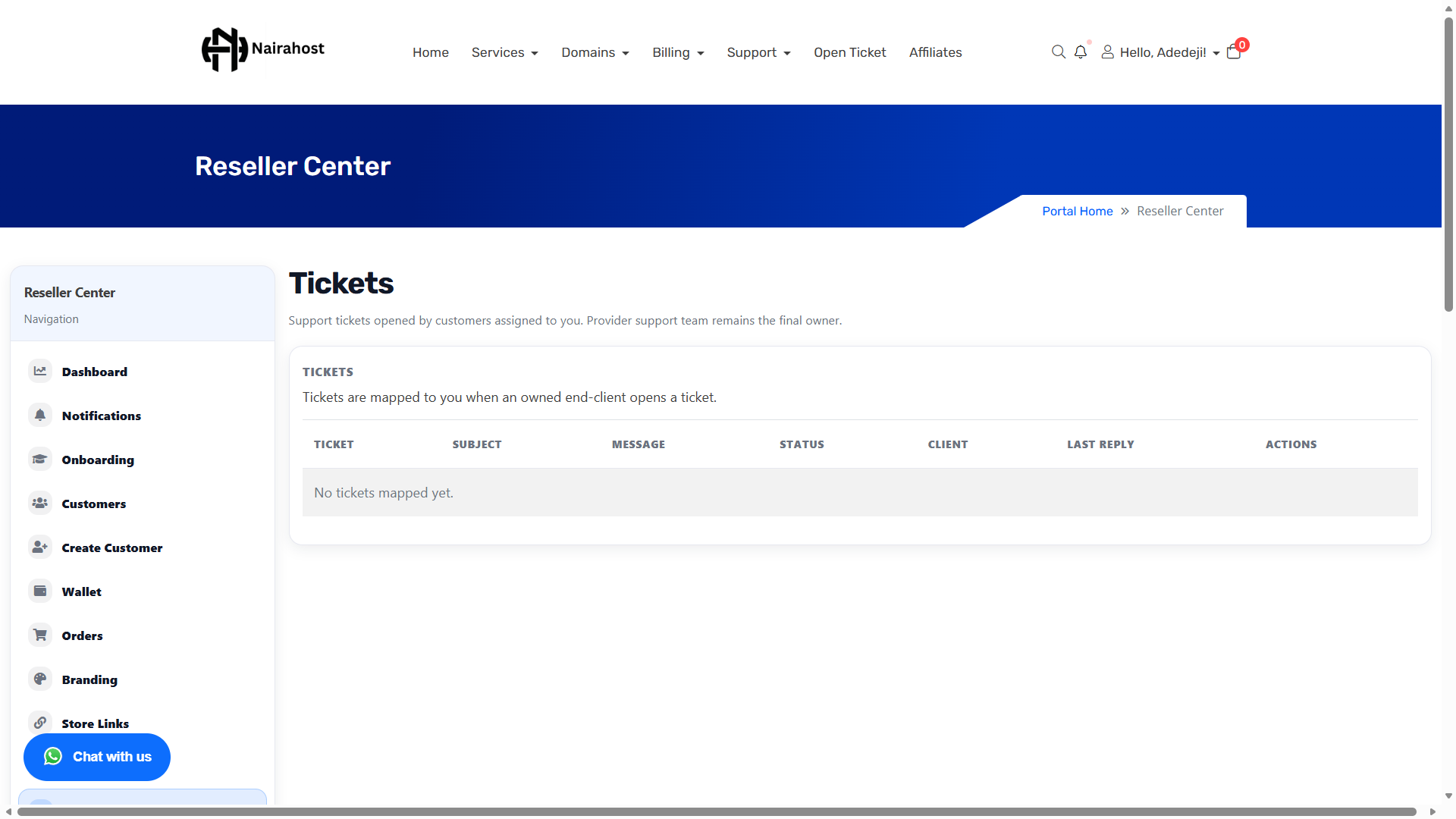
profits.png
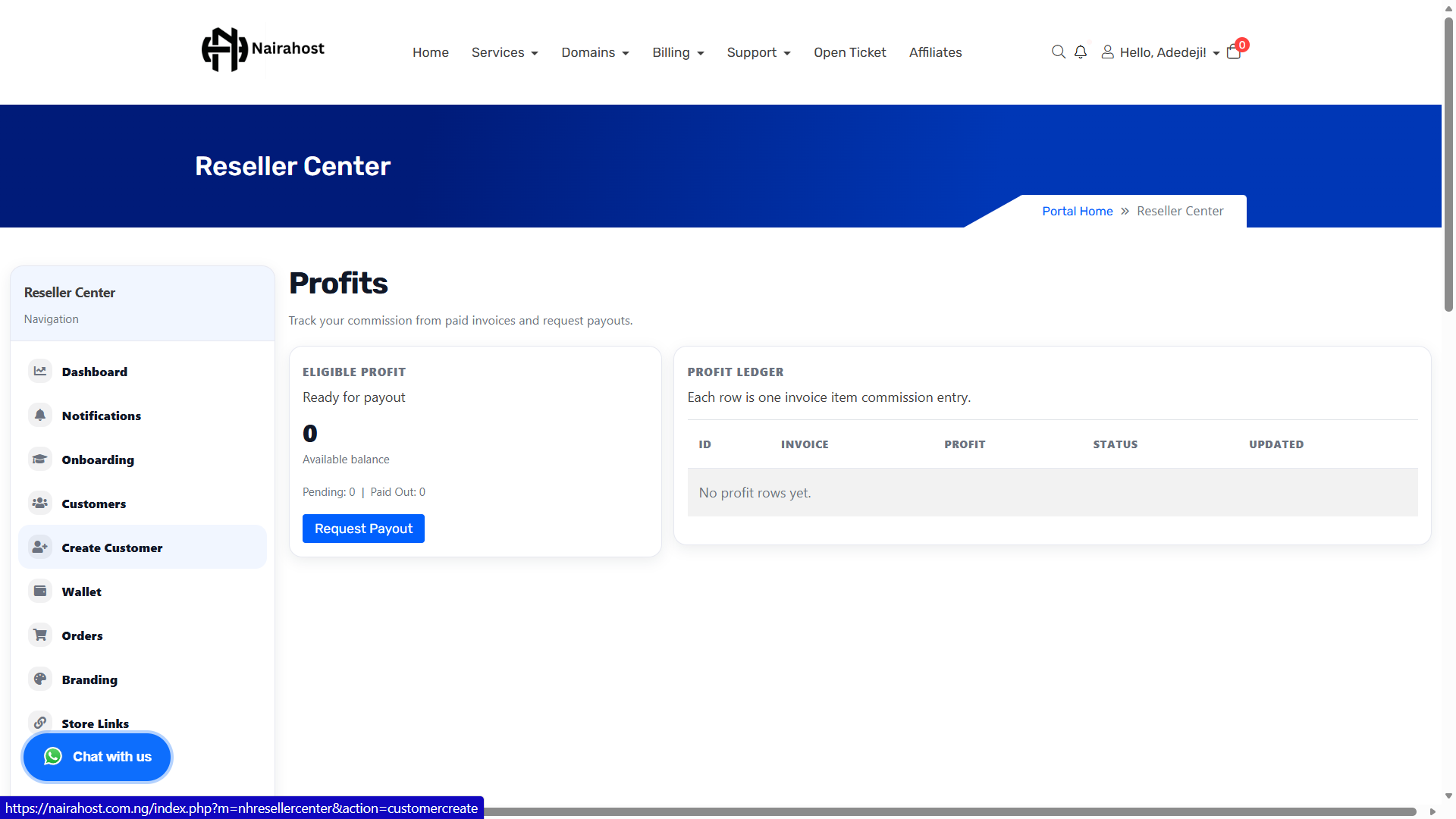
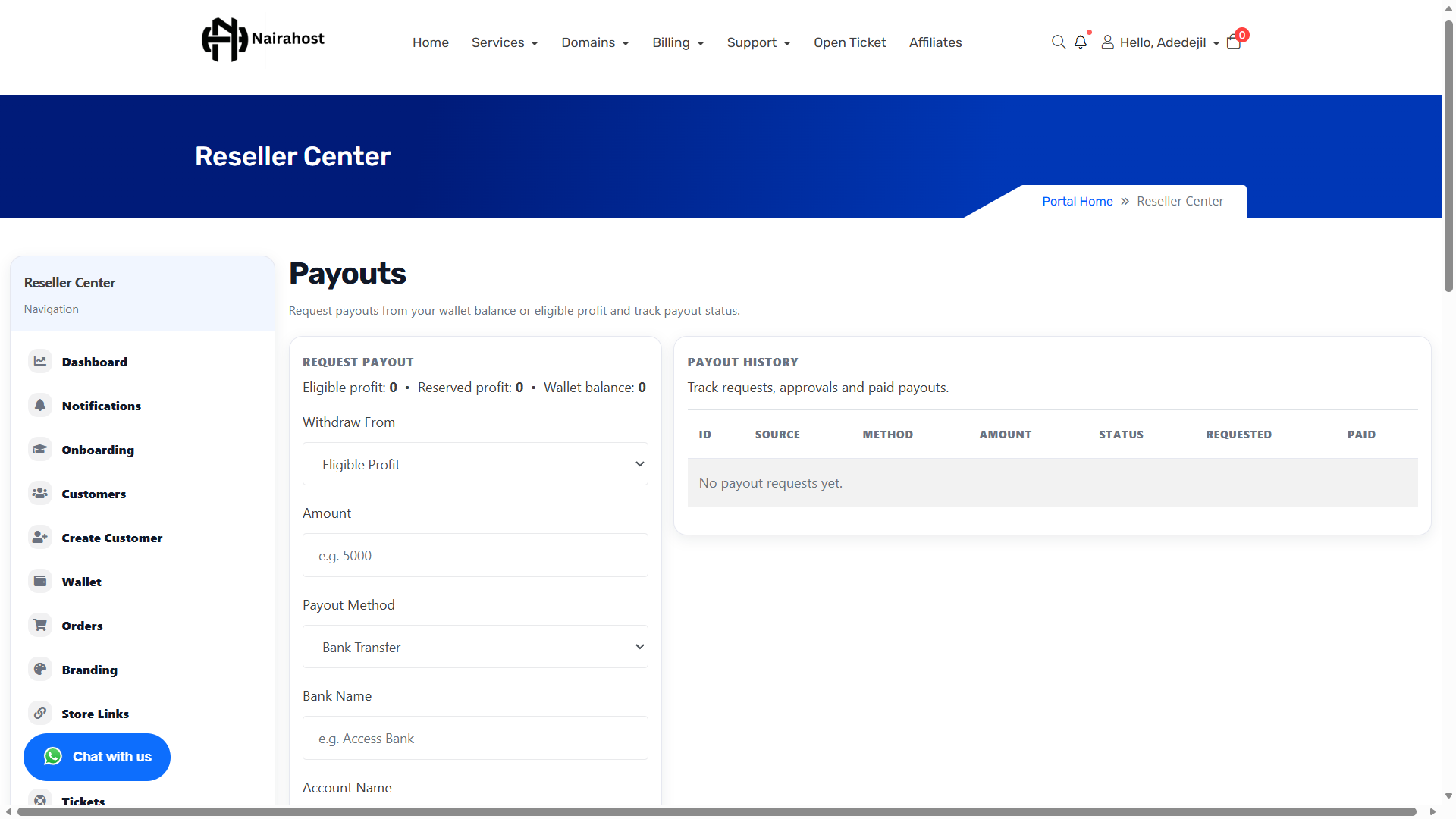
payouts.png
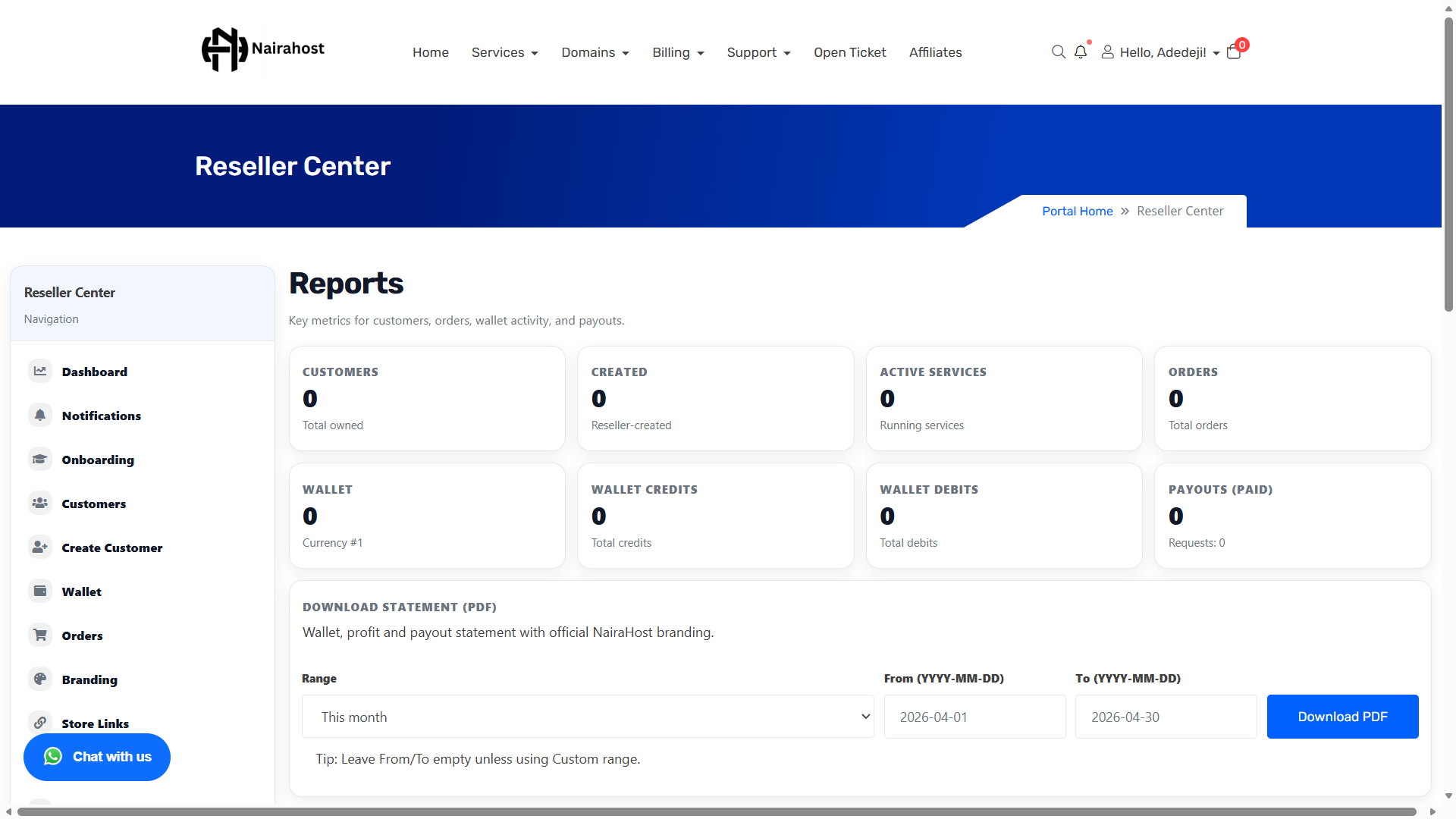
reports.png
Built for speed, clarity and growth — so you can focus on selling and supporting customers without messy spreadsheets or manual tracking.
Customers use your domain to purchase and manage services. Your portal can show your logo, name and support details.
Create customers, place orders, and track progress. Perfect for agencies that want clean operations without confusion.
Fund your wallet via Paystack or manual top-up, then use wallet balance to pay instantly when placing customer orders.
Promotional tools to help you convert more customers and run offers.
Track wallet activity, profit summary, payouts and download official monthly statements.
See what you earned per sale, monitor statuses, and understand performance at a glance.
Manage customer issues and support requests without losing track.
Customers and resellers receive clear notifications for orders, wallet events, payouts and statements depending on your setup.
Most resellers want two things: a clean system to manage customers and a predictable flow for placing orders and getting paid. Here’s the typical workflow used by agencies and freelancers — written in simple steps so you can picture how it fits your business.
When a client agrees to buy hosting or a domain, you create the customer under your reseller account. This keeps billing and access controlled on your side.
Top up your reseller wallet once. This lets you pay instantly for customer orders without waiting for back-and-forth payment confirmations.
You place the order from your dashboard, monitor the status, then deliver access to the customer through your branded portal domain.
Order updates, wallet events and statement notifications help you keep customers informed. You can keep communications professional and consistent.
When customers need help, tickets keep conversations organized. This is especially useful for agencies managing many clients at once.
At month-end, download statements and exports for accounting, business reviews, or team reporting.
No long walls of text — here are practical ways resellers use the platform daily. Each scenario shows what you do, what your customer sees, and how you earn.
You build a website → you create the customer → place the hosting order from your reseller dashboard → your customer logs in on your portal. You earn commission on the hosting sale.
Keep all customers organized, track orders and renewals, fund wallet once, pay quickly for client services, and download monthly statements for reconciliation.
Share your portal link → customers order through your branded portal → you support them via tickets → you monitor profits and payouts from your dashboard.
NairaHost Product Reseller is built for people who already help others get online — designers, developers, agencies and marketers. Instead of telling clients “go and buy hosting”, you can provide it directly under your brand, on your own domain, with proper billing, tracking and reports.
Your customers interact with your business name and your portal domain. You look like the provider, while NairaHost powers the infrastructure behind the scenes.
Create customers, place orders, pay via wallet, and keep everything organized. No more manual “send me your email/password” process.
When customers buy through you, you earn commission on successful sales. You can track profits, statements and payouts from one dashboard.
A customer needs a website. You sell them a website + hosting. You create the customer, place the hosting order from your dashboard, and the customer logs into portal.yourbrand.com (your domain). You earn commission from the hosting sale and keep the relationship.
Clear answers, no fluff.
NairaHost Product Reseller is a reseller dashboard that lets you run a hosting business workflow under your account: create customers, place orders, manage support, and track earnings — all inside your client area. Think of it as a “mini hosting portal” you can operate for your own customers.
Yes. There is no separate subscription fee to access the Reseller Center. You only fund your wallet when you need to pay for customer orders, and you earn commission when customers buy through you.
You earn a commission percentage on each successful sale made through your reseller account. The commission rate displayed on this page is the default rate for resellers and can be adjusted by NairaHost. Your dashboard records your profit entries so you can track earnings clearly.
Yes. You can use your own domain/subdomain (example: portal.yourbrand.com) to present a branded portal to customers. This gives you a professional “hosting company” experience without building a portal from scratch.
When you use a mapped domain and configure your branding, customers access services via your portal and see your brand identity. This helps you build trust and keep your customer relationship directly tied to your business.
You need a WHMCS client account with reseller access enabled. If you want the white‑label experience, you also need a domain/subdomain you own so you can point DNS to your reseller portal.
Yes. You can create customer profiles inside the reseller dashboard, so you can manage multiple customers cleanly. This is useful for agencies and freelancers who handle hosting on behalf of clients.
Yes. You can share your portal link so customers can place orders through your branded portal. This reduces manual work and lets customers complete checkout and management themselves.
Yes. If a customer prefers that you handle setup, you can place orders from your reseller dashboard. You can then deliver access to the customer through your portal.
You fund your reseller wallet, then use your wallet balance to pay instantly when placing customer orders. This helps you deliver faster and avoid delays.
You can top up via Paystack (instant) or submit a manual top‑up request (bank transfer proof) depending on what is enabled on your account. Wallet transactions are recorded so you can reconcile easily.
The profits section shows what you’ve earned per sale and the current status of each profit entry. You can also use reports/statements for month-end accounting and performance tracking.
When payouts are enabled for you, you can request a payout from your dashboard and track its status until it’s processed. Payout history is included in your monthly statements.
Yes. You can download professionally generated monthly statements that summarize wallet activity, profits and payout history. This is useful for bookkeeping and proof of earnings.
Yes. Tickets help you manage customer support requests in an organized way, especially when you have many customers. It keeps communication traceable and professional.
Depending on your white‑label branding configuration, customer notifications can reflect your reseller brand (for example: your business name and support contact details).
Yes. Promo tools help you drive conversions and offer discounts during campaigns. This is useful if you sell hosting as part of a package or seasonal offer.
Yes. Agencies can manage many customers, place orders quickly, keep support organized, and download statements for reporting. It’s built for scaling beyond a few clients.
Yes. If you build websites, you can bundle hosting/domains and deliver a complete solution to clients. Your portal helps you look like a full provider while earning commission.
Log into your client area and open the Reseller Center from the menu (under Services). If you don’t see it, contact support to enable reseller access on your account.
Open the Reseller Center in your client area, set your branding, fund your wallet and start placing customer orders.

 Chat with us