The Complete Beginner’s Guide to WordPress for Nigerian Small Businesses (2025 Edition)
New to WordPress? This Nigerian beginner’s guide explains everything you need to know to build, launch, secure and grow a WordPress website for your business — including hosting, domain setup, SSL, plugins, themes, and security tips.
 Nairahost Editorial Team
If you want to build a professional website in Nigeria without learning how to code, WordPress is the best platform to start with. Millions of businesses use it — including small shops, online stores, private schools, NGOs, and startups. This guide explains WordPress from the ground up, using simple steps anyone can follow.
❗ What Exactly Is WordPress?
WordPress is a free content management system (CMS) that allows you to build websites without coding. It powers over 40% of the entire internet, including business websites, blogs and e-commerce platforms.
There are two versions:
- ✔ WordPress.org (self-hosted, recommended)
- ✔ WordPress.com (hosted service with limitations)
This guide covers WordPress.org, because it gives you full control and allows hosting your site on a Nigerian provider like NairaHost.
✔️ What You Need to Build a WordPress Website
- ✔ A domain name (e.g. yourbrand.com.ng)
- ✔ A hosting plan (cPanel or DirectAdmin)
- ✔ A WordPress installation (free and auto-installed)
- ✔ A theme and plugins
Once these are ready, you can build any type of website.
⚙️ Step 1: Choose the Right Hosting
Your hosting determines your site speed, security and reliability. If your site is for Nigerian visitors, local hosting gives you faster performance and easier support.
Recommended hosting features:
- ✔ LiteSpeed or similar performance environment
- ✔ SSD or NVMe storage
- ✔ Free SSL
- ✔ Automatic backups
- ✔ Local DNS routing
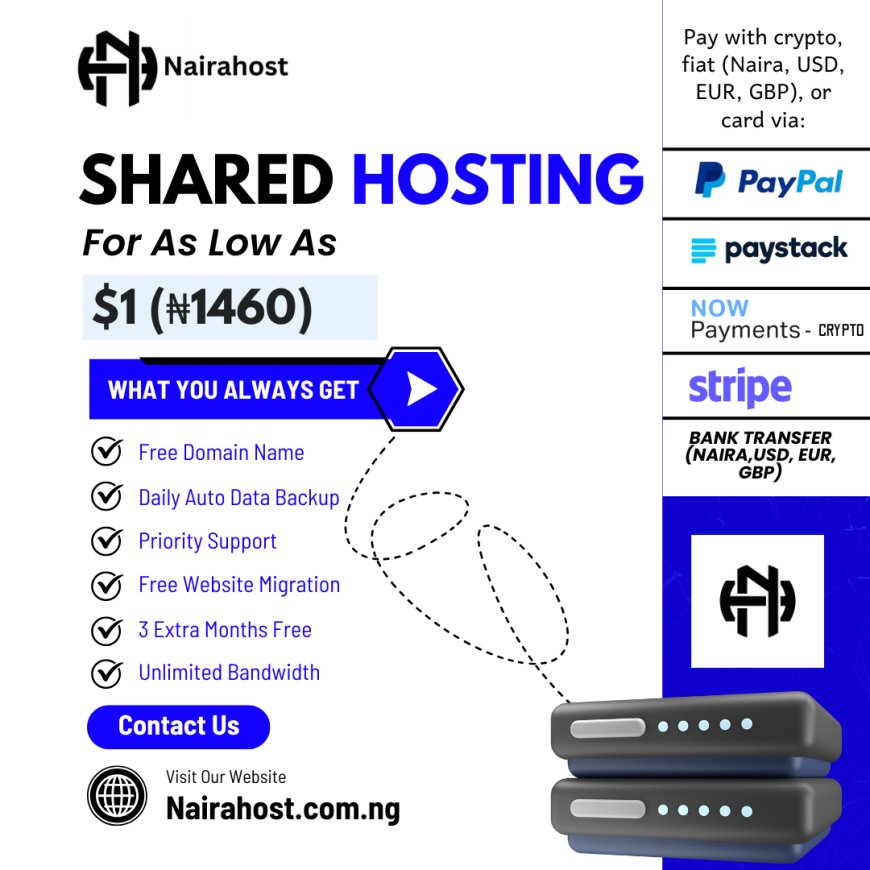
NairaHost offers local nameservers and free migration for WordPress users:
NairaHost cPanel:
ns1.nairahost.cloud
ns2.nairahost.cloud

NairaHost DirectAdmin:
ns1.nairahost.com.ng
ns2.nairahost.com.ng
✔️ Step 2: Install WordPress
You can install WordPress in one click through cPanel or DirectAdmin. No coding required.
After installation, you will receive login credentials for:
yourdomain.com/wp-admin✔️ Step 3: Choose a Theme
A WordPress theme controls the design of your website. For beginners, choose a lightweight, professional theme:
- ✔ Astra
- ✔ Blocksy
- ✔ Kadence
- ✔ Neve
These themes are fast and support drag-and-drop builders like Elementor or Gutenberg.
✔️ Step 4: Install Essential Plugins
| Category | Suggested Plugin |
|---|---|
| Security | Wordfence / iThemes |
| Speed | LiteSpeed Cache / WP Super Cache |
| SEO | RankMath / Yoast |
| Forms | WPForms / Contact Form 7 |
| Backups | UpdraftPlus |
Avoid installing too many plugins — they slow down your site.
⚠️ Step 5: Secure Your Website
Security is extremely important. A hacked site can destroy your reputation and SEO. Make sure to:
- ✔ Install SSL and force HTTPS
- ✔ Use strong admin passwords
- ✔ Enable 2-factor login
- ✔ Keep WordPress core, themes and plugins updated
- ✔ Backup regularly
NairaHost includes free SSL and server-level security, but you should still use a plugin like Wordfence.
✔️ Step 6: Add Pages & Content
Every small business website should have:
- ✔ Home
- ✔ About / Who We Are
- ✔ Services / Products
- ✔ Contact Page
- ✔ Blog / Articles (for SEO)
✔️ Step 7: Launch & Grow Your Website
Once launched, promote your site using:
- ✔ Local SEO
- ✔ WhatsApp + social media
- ✔ Google Business Profile
- ✔ Paid ads (Meta, Google)
Final Thoughts
WordPress is the best platform for Nigerian businesses that want control, flexibility and long-term success online. With the right hosting, theme, plugins and security setup, even complete beginners can build professional websites without hiring a developer.
If you want fast, secure and locally optimized hosting for WordPress, visit https://nairahost.com.ng to start with any plan — beginner or business.