How to Safely Migrate Your WordPress Site to NairaHost (2025 Step-by-Step Guide)
Want to move your WordPress website to NairaHost without losing data, breaking your site, or experiencing downtime? This complete 2025 migration guide walks you through the process step-by-step using beginner-friendly instructions.
 Nairahost Editorial Team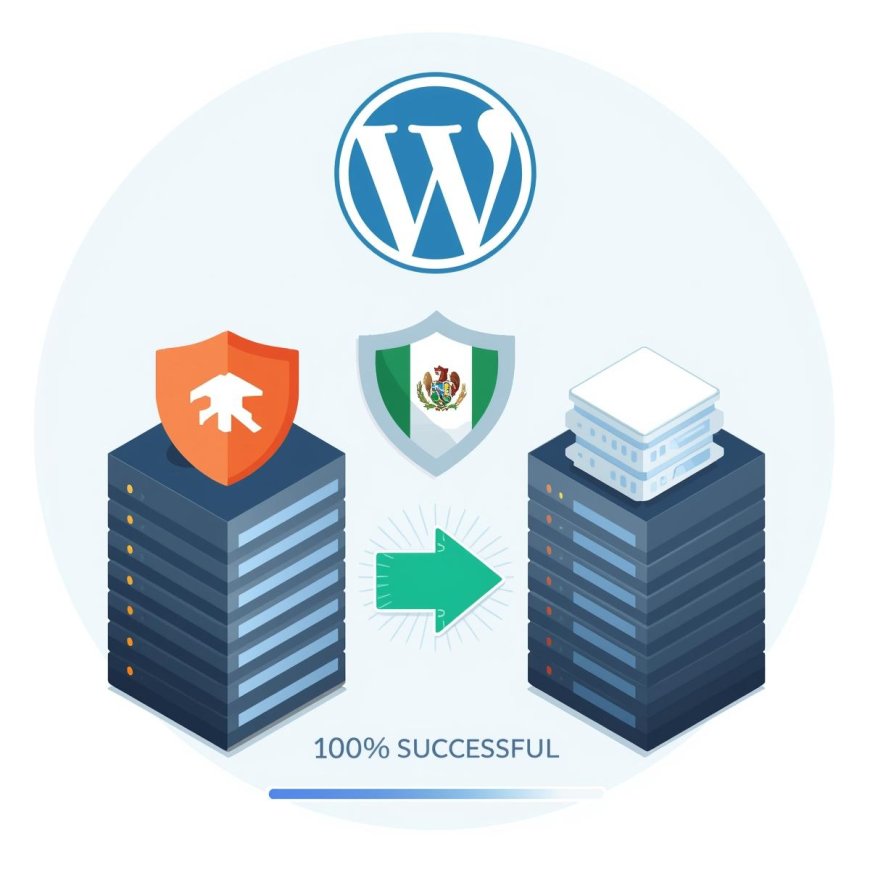
Moving your WordPress website to a new hosting provider can feel intimidating — especially if you are worried about breaking your site, losing data or causing downtime. But if you follow the correct process, you can migrate to NairaHost safely, smoothly, and with zero downtime.
This guide is written for beginners, small business owners, developers and anyone who wants to transfer their site to NairaHost the right way.
❗ Before You Begin: What You Need
- ✔ Access to your old hosting control panel
- ✔ Access to your NairaHost account
- ✔ Login to your domain DNS/registrar
- ✔ A backup of your WordPress files & database
Good news: If you don’t want to do this manually, NairaHost offers free migration assistance on most plans. Just open a support ticket and the team will move your site for you.
✔️ Step 1: Backup Your WordPress Website Completely
Never migrate without a backup. You need:
- ✔ Website files (themes, plugins, uploads, core)
- ✔ WordPress database (.sql)
Use cPanel’s File Manager + phpMyAdmin, or a migration plugin like:
- ✔ All-in-One WP Migration
- ✔ Duplicator
- ✔ UpdraftPlus (advanced users)
⚙️ Step 2: Create Your Hosting Space on NairaHost
Log in to NairaHost → create a cPanel or DirectAdmin account if one isn’t already active. You will receive login details that look like:
cPanel URL: https://server123.nairahost.cloud:2083
Username: youruser
Password: ********
Nameservers:
NairaHost cPanel:
ns1.nairahost.cloud
ns2.nairahost.cloud

NairaHost DirectAdmin:
ns1.nairahost.com.ng
ns2.nairahost.com.ng
✔️ Step 3: Upload Your Files
Open File Manager → go to public_html
- ✔ Upload your ZIP file
- ✔ Click Extract
- ✔ Do NOT manually upload files one-by-one
✔ ZIP + Extract = safer, faster, avoids file corruptions.
⚙️ Step 4: Create a New Database
- Go to MySQL Databases
- Create a database + database user
- Assign ALL PRIVILEGES
Example credentials:
DB_NAME: naira_wp
DB_USER: naira_user
DB_PASS: STRONGPASSWORD
DB_HOST: localhost
✔️ Step 5: Import Your Database
Open phpMyAdmin → Select database → Click Import → Upload .sql file → Click GO
✔️ Step 6: Update wp-config.php
Open File Manager → edit wp-config.php → update these lines:
define('DB_NAME', 'naira_wp');
define('DB_USER', 'naira_user');
define('DB_PASSWORD', 'StrongPassword');
define('DB_HOST', 'localhost');
If this file is wrong, WordPress will show:
"Error establishing database connection"
⚠️ Step 7: Test the Site BEFORE Updating DNS
This is how you avoid downtime. Test using the host preview link or temporary domain before pointing your domain.
Example preview URL:
https://serverIP/~username/✔️ Step 8: Update Nameservers / DNS
When everything works, change your DNS to:
cPanel:
ns1.nairahost.cloud
ns2.nairahost.cloud

DirectAdmin:
ns1.nairahost.com.ng
ns2.nairahost.com.ng
DNS propagation time:
- ✔ Typically 30 minutes to 2 hours
- ⚠️ Global propagation may take up to 24 hours
Do not cancel your old hosting yet — keep both active until DNS is fully switched.
✔️ Step 9: Post-Migration Checklist
- ✔ SSL is working (padlock visible)
- ✔ Images load correctly
- ✔ WordPress admin login works
- ✔ Forms and email deliver properly
- ✔ Cache plugin enabled again
- ✔ Permalinks refreshed if needed
❗ Common Mistakes to Avoid
- ⚠️ Pointing DNS before the upload is complete
- ⚠️ Forgetting to import the database
- ⚠️ Not updating wp-config.php
- ⚠️ Not migrating email accounts/forwarders
- ⚠️ Deleting old hosting too early
Final Thoughts
WordPress migration does not need to be complicated — and it does NOT require downtime if done correctly. Whether you choose to migrate manually or request a free migration from NairaHost, following the steps above ensures a safe, smooth transition.
When you're ready to switch to faster WordPress hosting, visit https://nairahost.com.ng and choose any plan. Free migration is available on most accounts.